Prerequisites
You need your W&B API key.Set up Cline in the command line
Install the Cline CLI.cline version to verify what you have installed.
Use the native W&B provider
This configuration was tested with Cline CLI version3.0.61 on macOS. Set the WANDB_API_KEY environment variable to your W&B API key. Then run:
wandb. Depending on your Cline version, the provider appears as Weights & Biases or W&B. Cline uses that provider’s configured Serverless Inference endpoint. If Cline responds with an answer, the connection is working.
Use the OpenAI-compatible provider
The following instructions were tested with Cline CLI version2.5.1.
Next, authenticate Cline against the Serverless Inference endpoint. The following command configures Cline to use the Serverless Inference OpenAI-compatible endpoint and the Kimi K2.6 model. Substitute [YOUR-API-KEY] with your W&B API key.
Set up Cline in Visual Studio Code
If you prefer to use Cline inside an IDE, you can install it as a Visual Studio Code extension. Search for Cline in the VS Code Extensions Marketplace, or install it from the Visual Studio Code Marketplace. Click Install.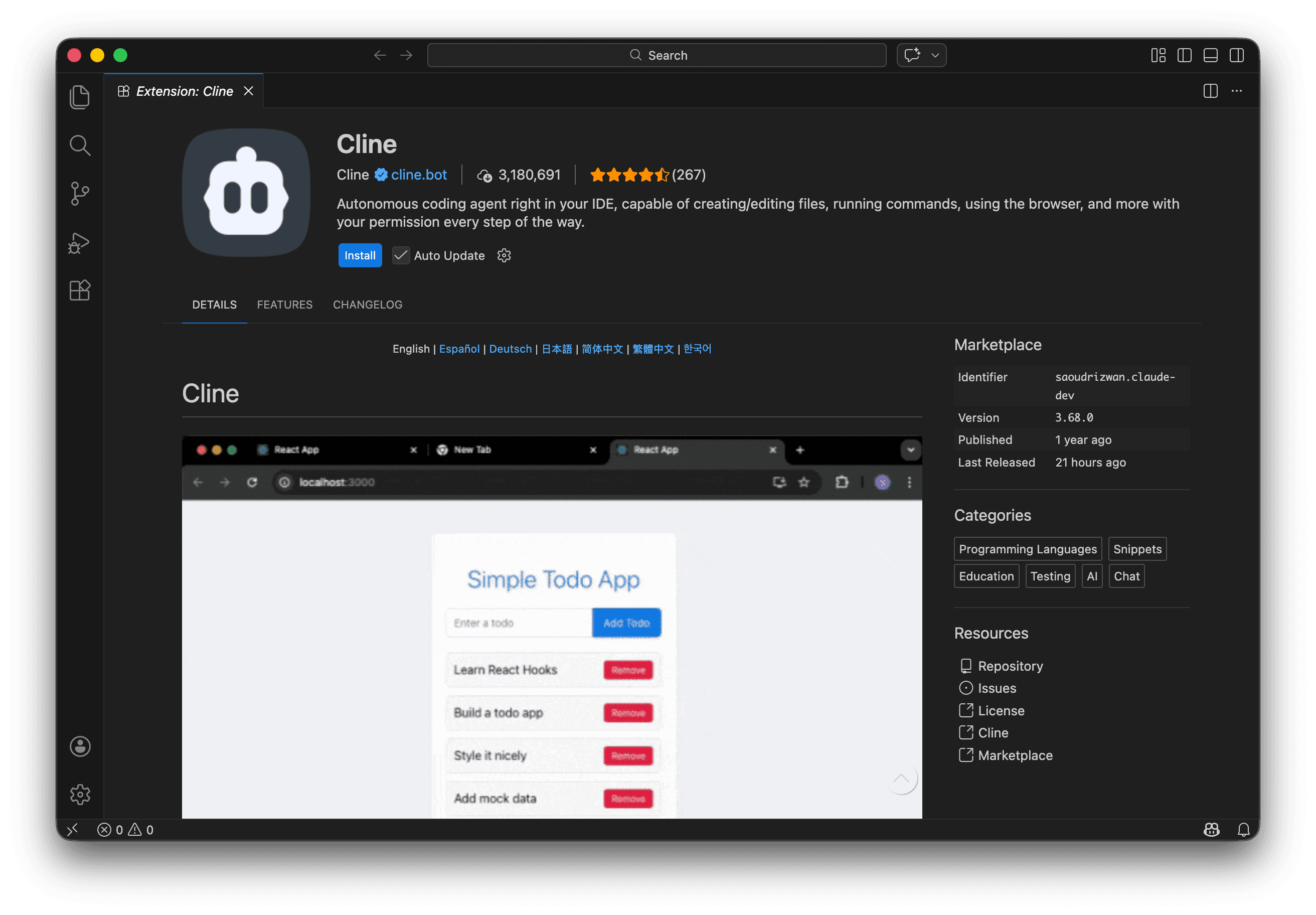

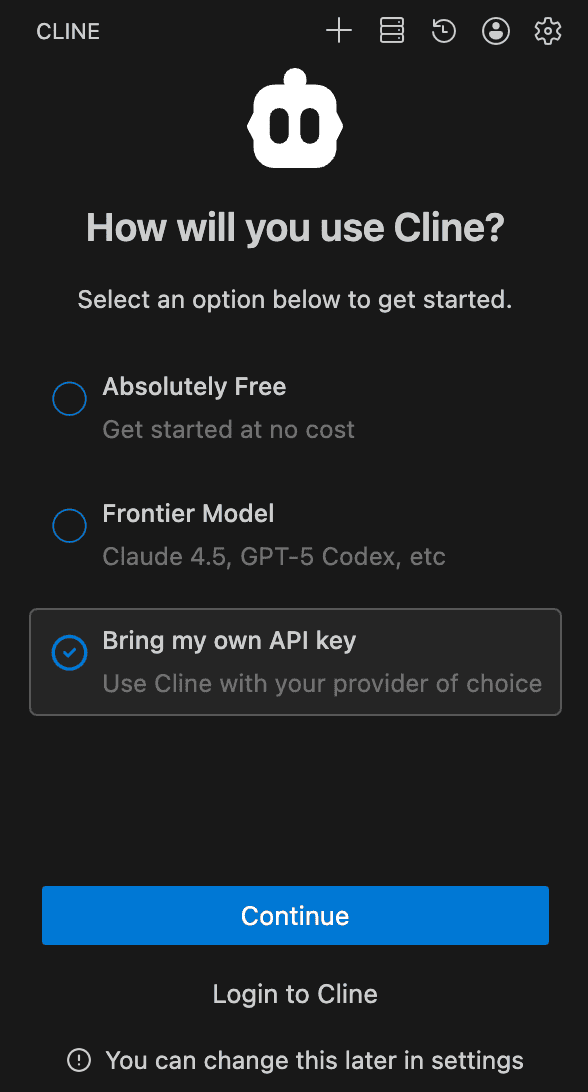
[YOUR-API-KEY] with your W&B API key:
Specify pricing by expanding Model Configuration.
Click Continue.
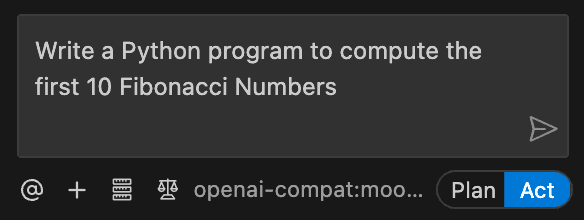
Try submitting a prompt like “Write a Python program to compute the first 10 Fibonacci Numbers”.